Play chess against the computer — anytime
A free app where an opponent is always ready to play. Pick a level — from the easiest to very strong.

What is this?
This is chess where the computer plays instead of a live opponent. No need to find anyone — just open the app and you're at the board. Great for those just learning and for those who've played for years.
Why you'll like it
Play whenever you want
Your opponent is always there — morning, evening, or in line for coffee.
Any level
Set an easy computer for practice or a strong one for a real challenge.
No internet needed
You can play offline. The whole game runs on your phone.
Free, forever
No payments, no subscriptions, no ads sneaking around.
A strong brain
Powered by Stockfish — one of the best chess engines in the world.
Open and safe
The source code is public, so anyone can check what's inside.
A level for everyone
Just starting out? Set an easy level — the computer will play calmly. Want a real challenge? Turn it up to maximum — beating it will be very hard.
A peek inside
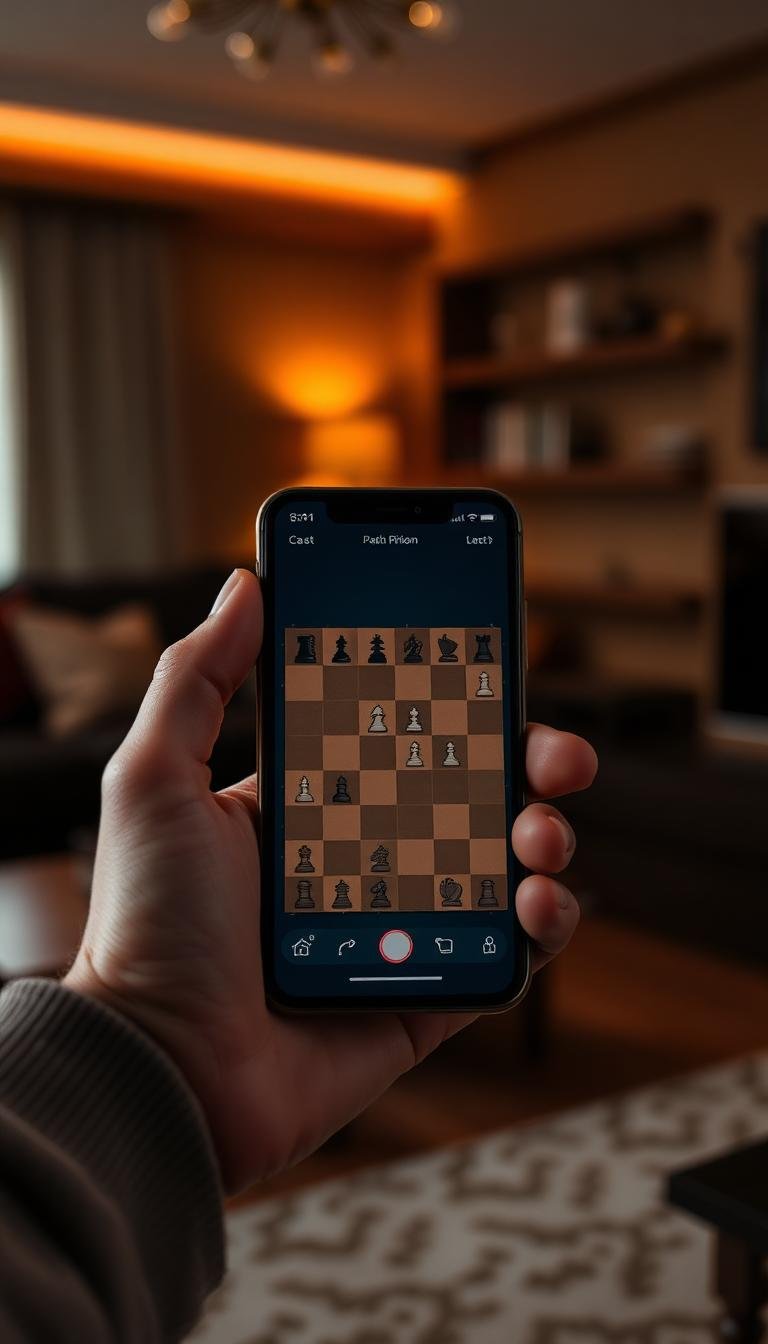
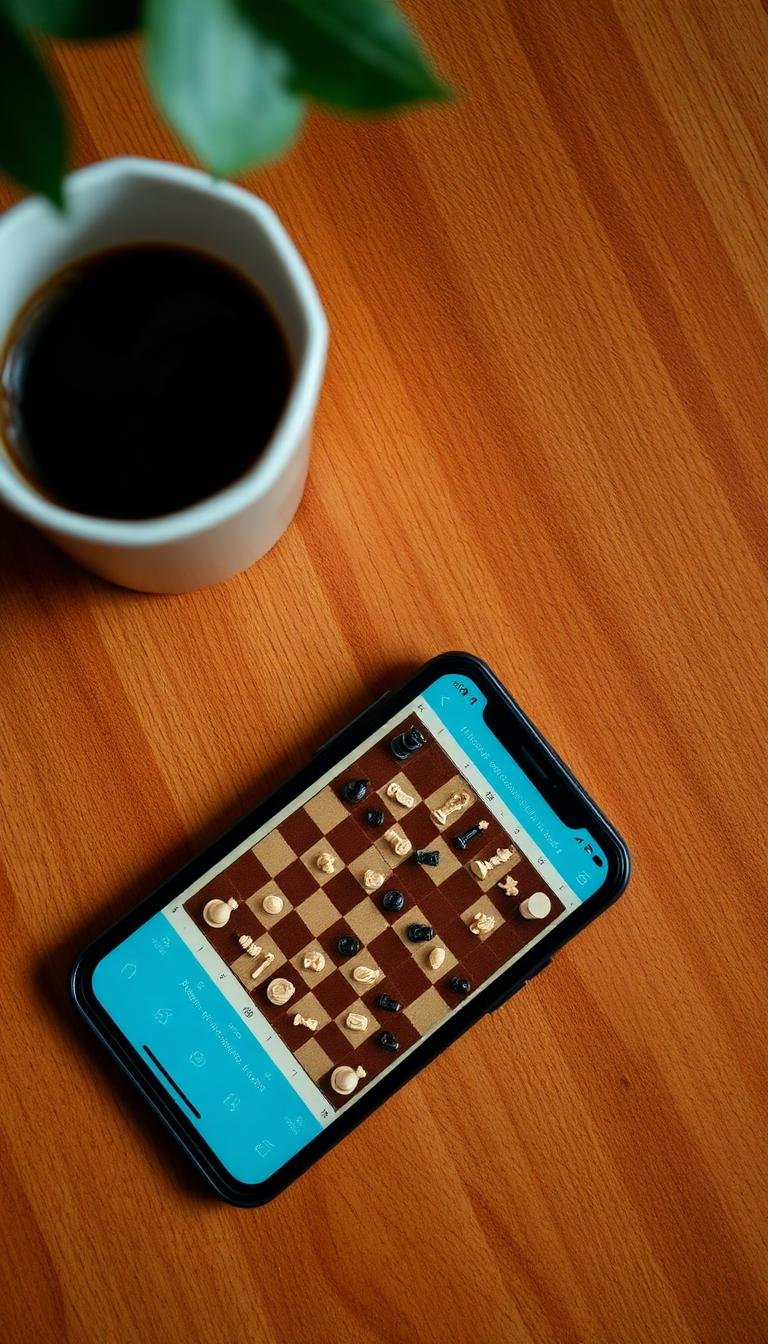

How to install
Four easy steps and you're playing.
- 1
Tap "Download."
- 2
Open the downloaded file.
- 3
Allow installation if your phone asks.
- 4
Open the app and start playing.
Common questions
Is it free?
Yes, completely. No payments, no subscriptions.
Do I need internet?
No. Once installed, you can play fully offline.
Is it good for beginners?
Absolutely. There are easy levels where the computer plays calmly, so you can learn at your own pace.
Is it safe?
The app is open source — the link to the code is at the bottom of this page. You're free to inspect it.
Which phones does it work on?
Android phones and tablets. Other platforms aren't supported yet.